

What’s on this page:
- When to Use a Question Loop
- Setting Up a Question Loop
- Using Loop Tags
- Loop Tags vs Piping Tags
When to Use a Question Loop
Question loops are useful when you want to ask the same set of questions about each answer in previous question. For example, you may want to ask a respondent which brands they have shopped at from a given list. Then for all of the brands that they’ve made a purchase from, ask respondents a series of questions about each brand. For an example of a question loop in a survey, click here.Setting Up a Question Loop
You can add a Question Loop to a survey in the same way that you add questions and experiments to a survey; using the +Add Item menu on the Create tab, select Question Loop.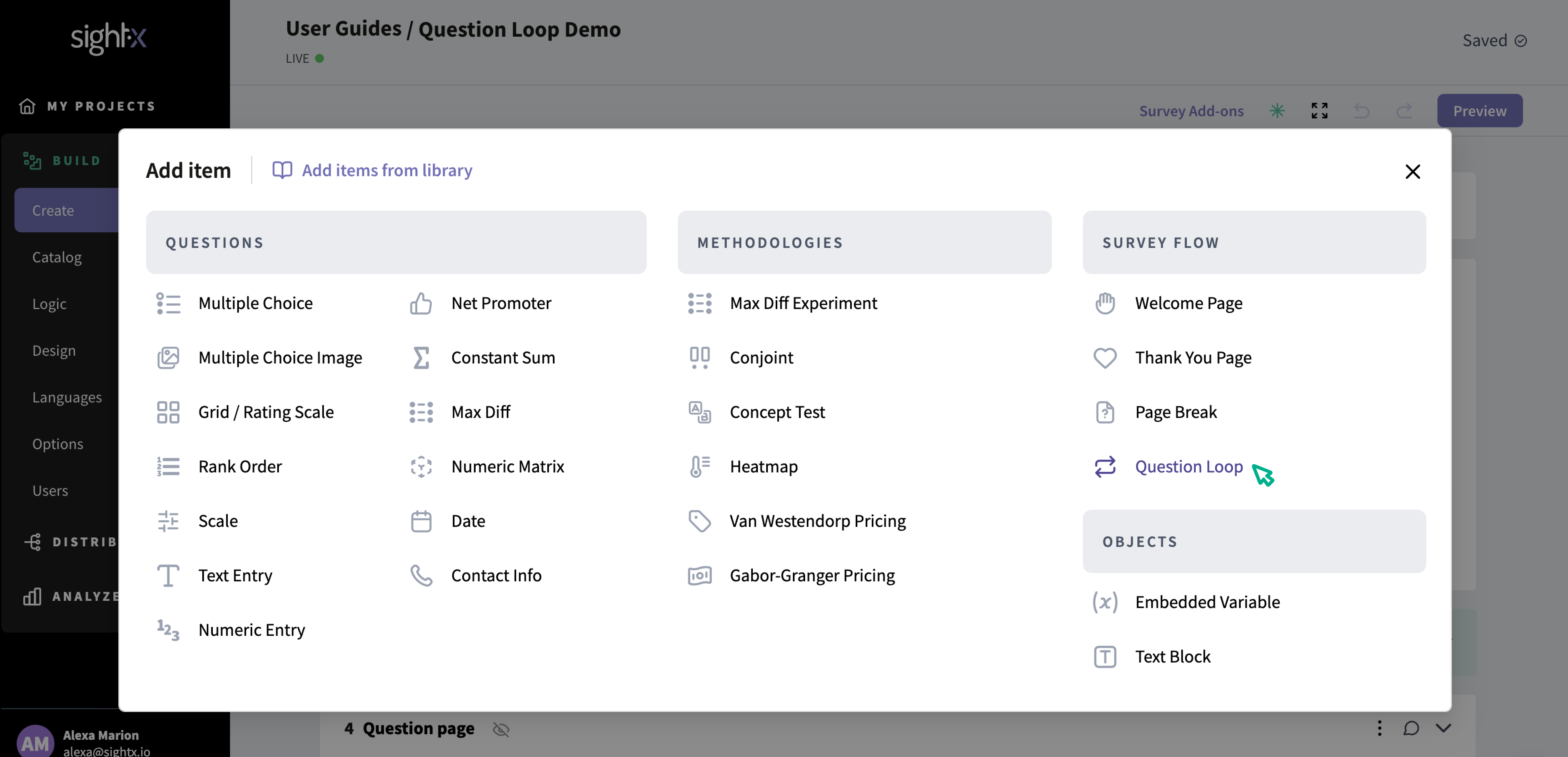
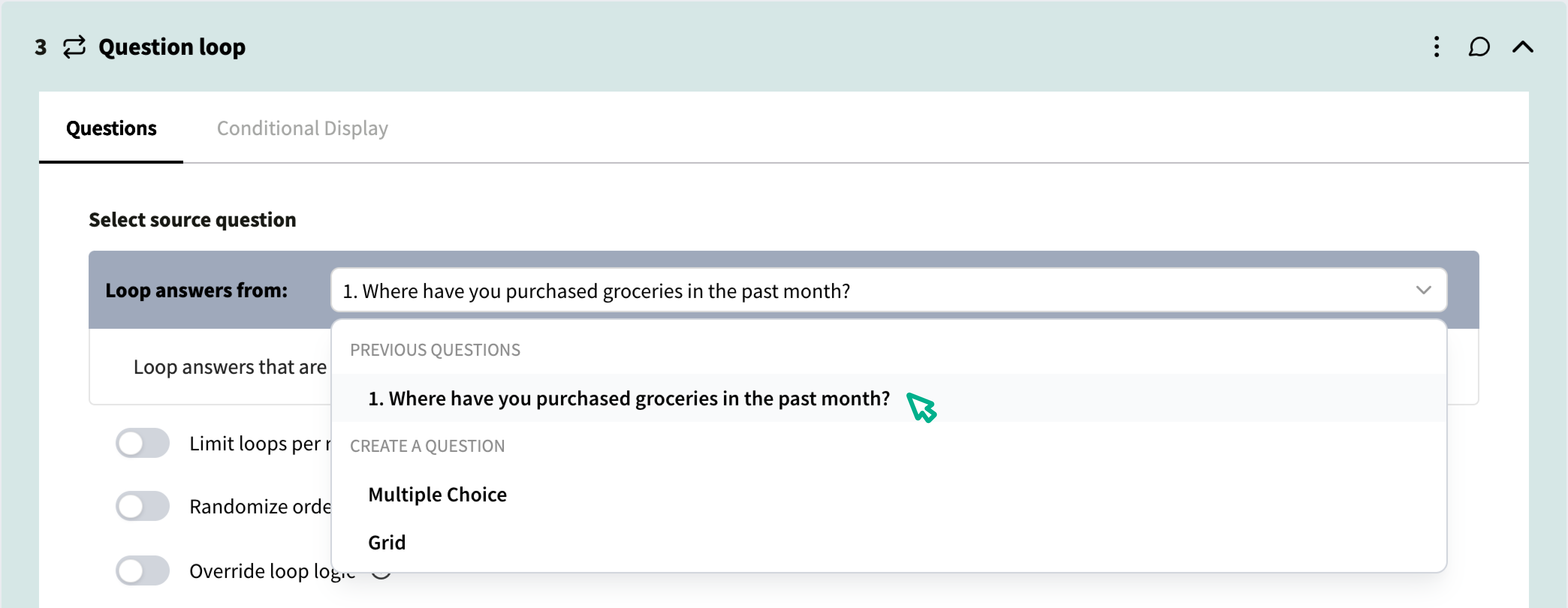
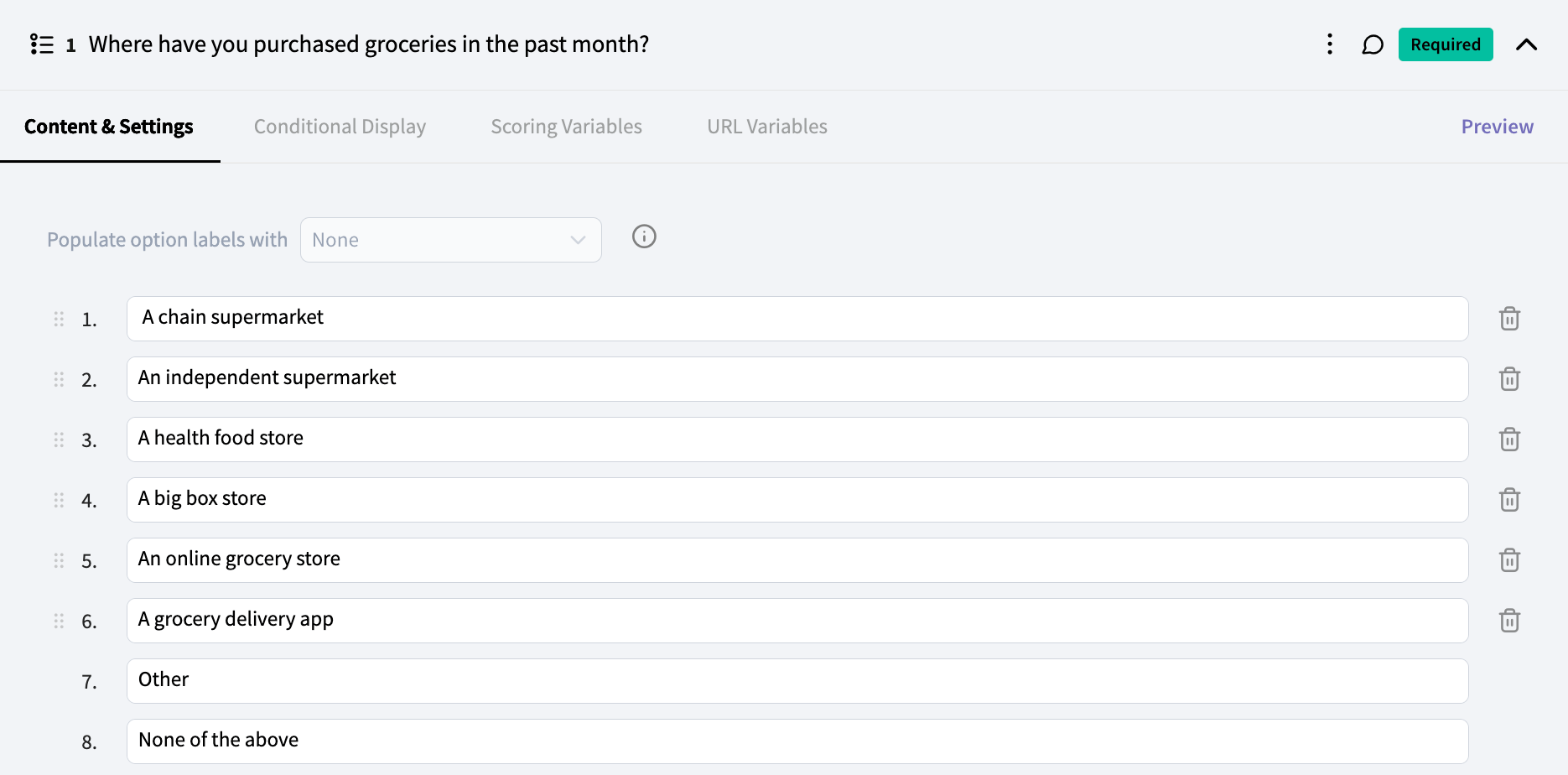
Next, confirm the configurations you want for your Question Loop:
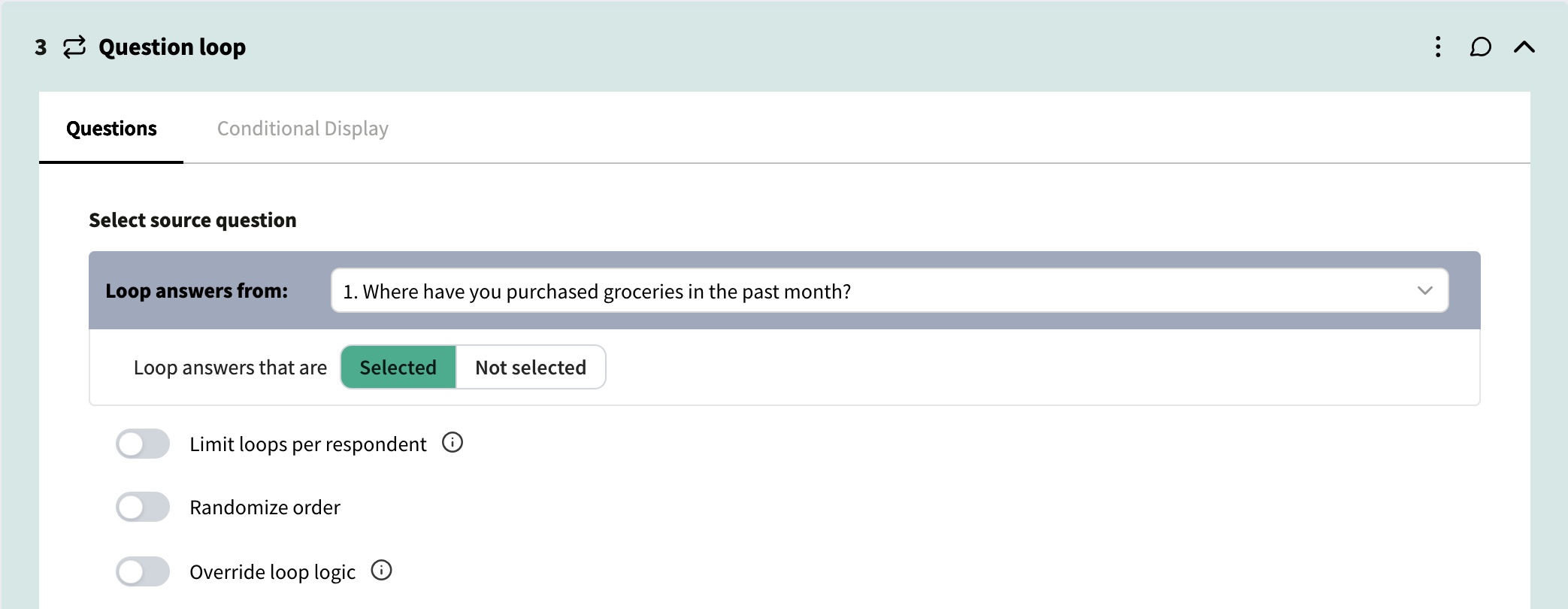
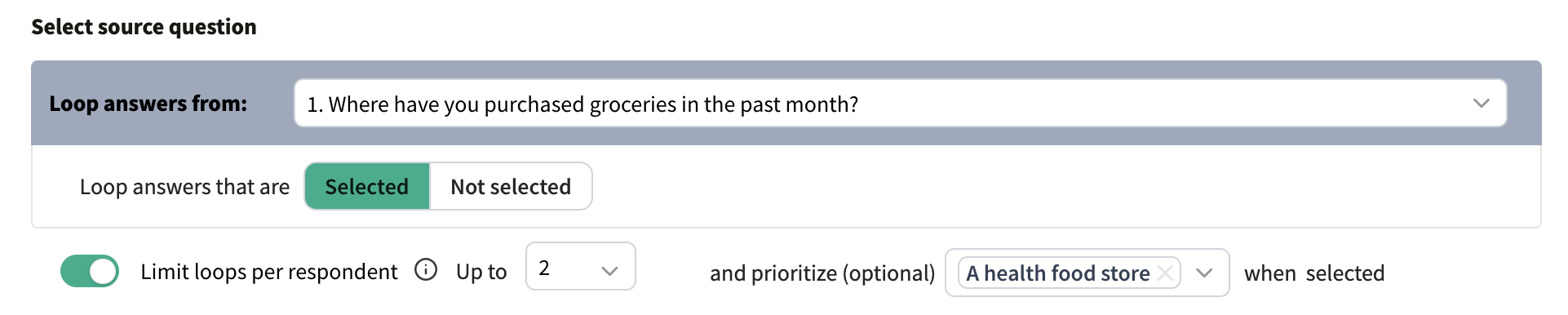
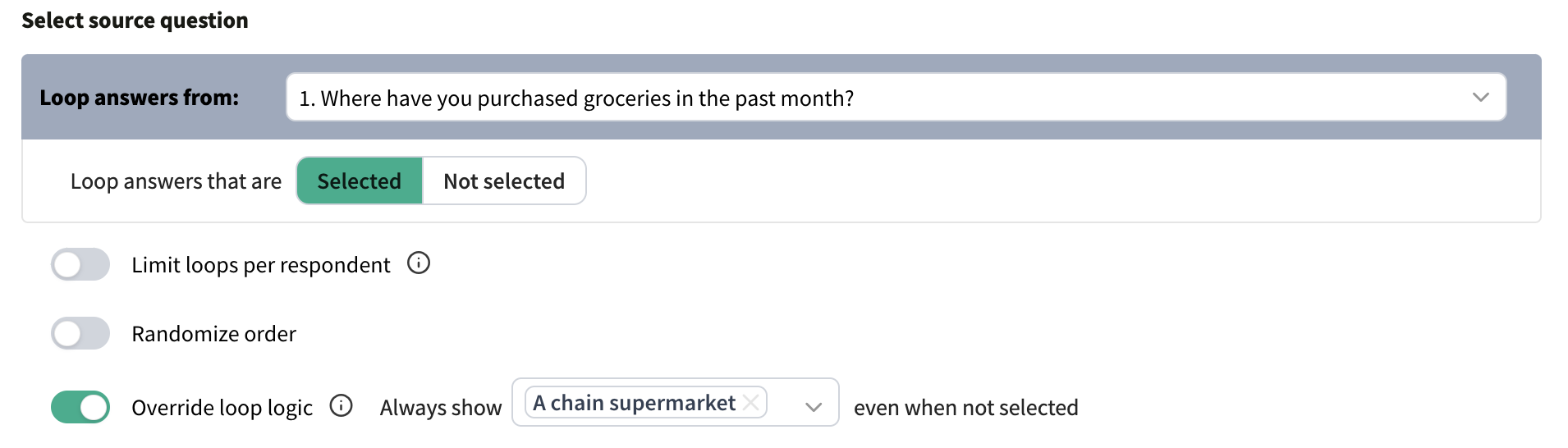
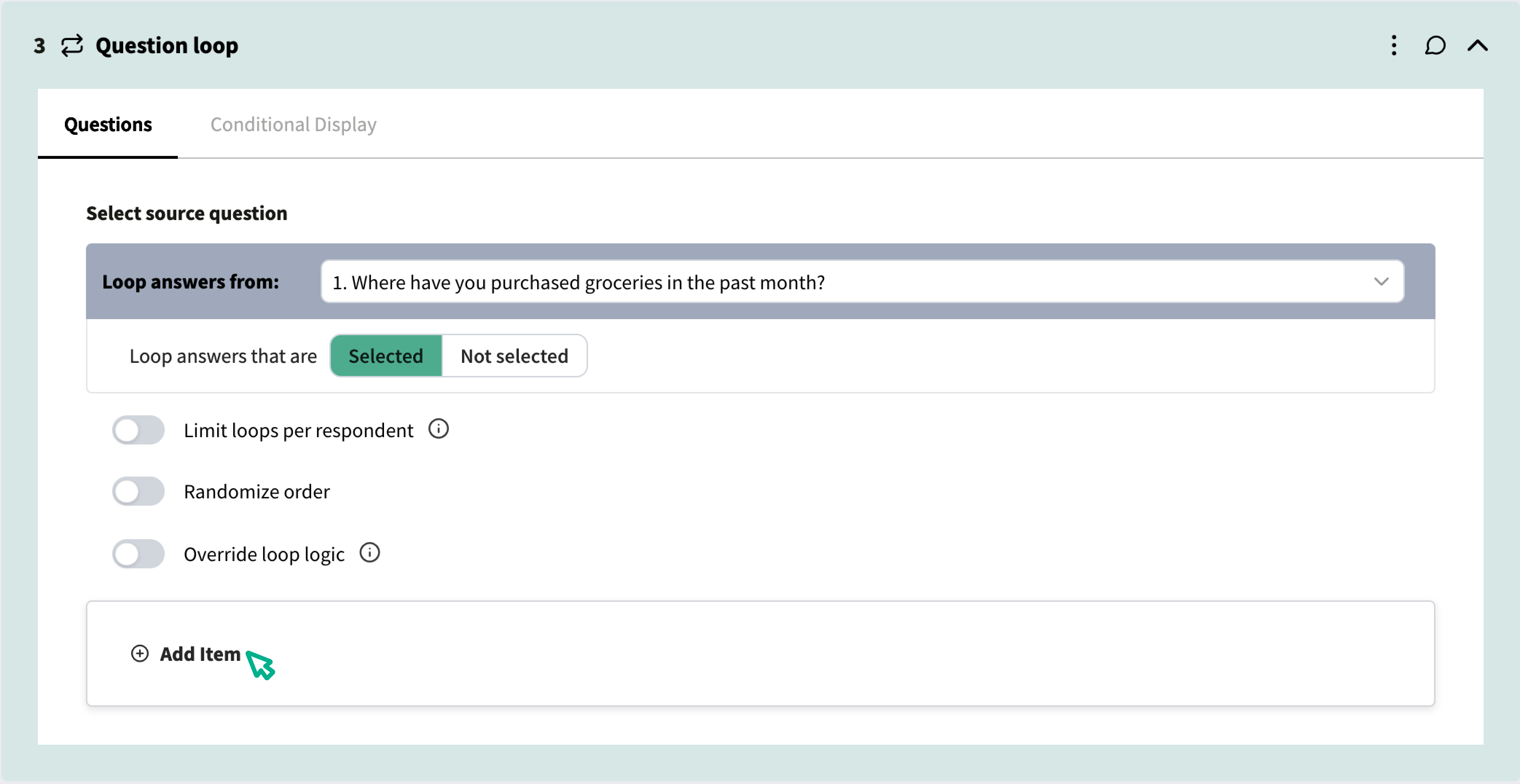
Using Loop Tags
It’s important to include a Loop tag in the question text for each question in the loop so that the respondent knows which item they’re being asked to evaluate. In the survey, the loop tag will be replaced by the answer option from the source question.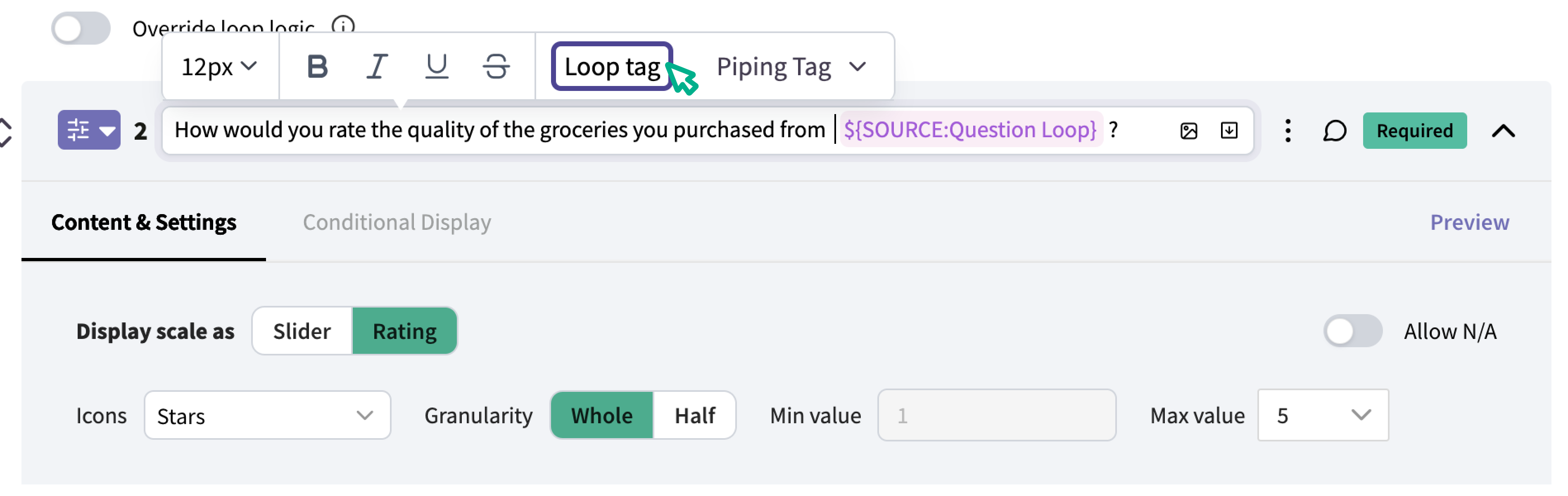

Loop Tags vs Piping Tags
A Loop tag is only available in questions in a Question Loop, and is used to insert one answer at a time into a question. Piping tags are available in every question (both inside and outside) of a Question Loop, and can be used to pipe all of a respondent’s answers to a question into the question text. For example, here is the question above if a Piping tag was used instead of a Loop tag: