What’s on this page:
- Why Use Personas?
- Manually Create Personas
- Automatically Create Personas
Why Use Personas?
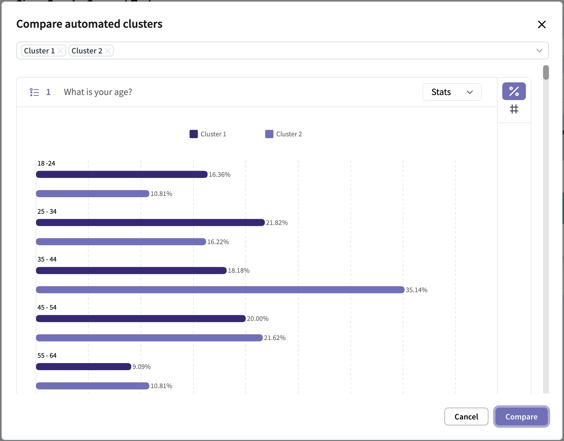
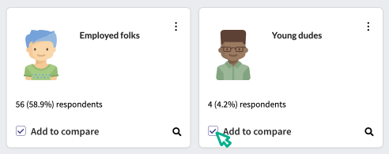
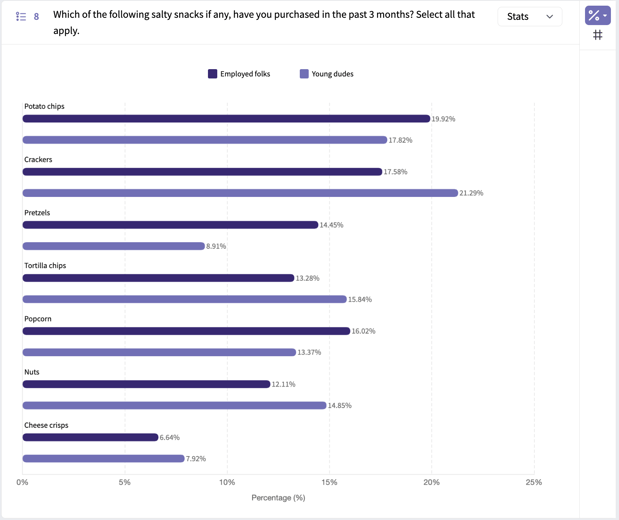
Personas (sometimes referred to as “segmentation”) allow you to create groups of respondents based on answers to one or more survey questions, and then compare data between those groups. For example, you may want to see how responses differed between respondents with children aged 0-12, respondents with children aged 13 - 18, and respondents without children. Personas allow you to quickly and easily see how responses differed between different groups in your audience.Manually Create Personas
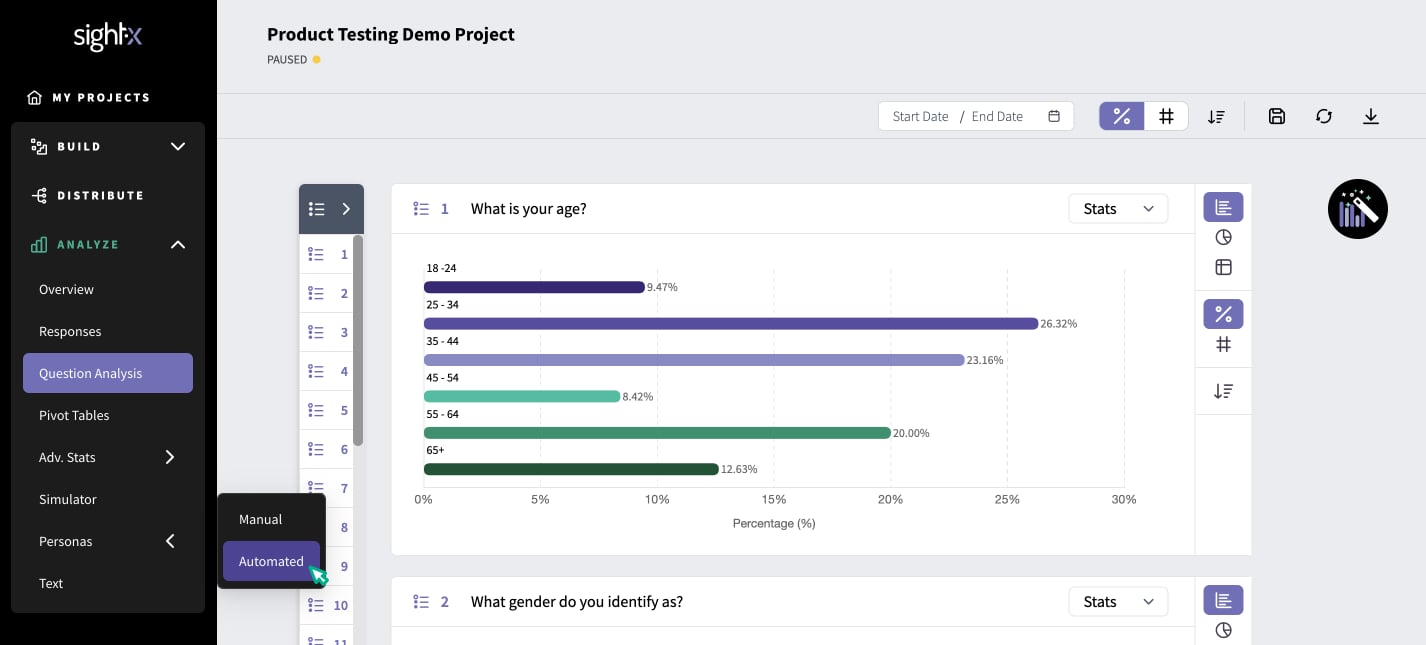
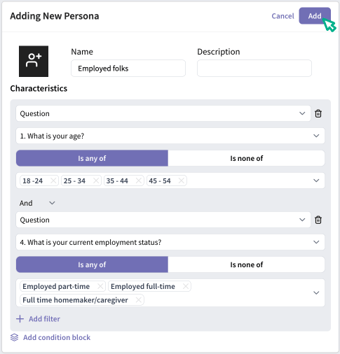
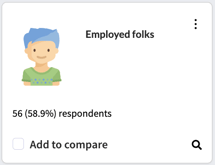
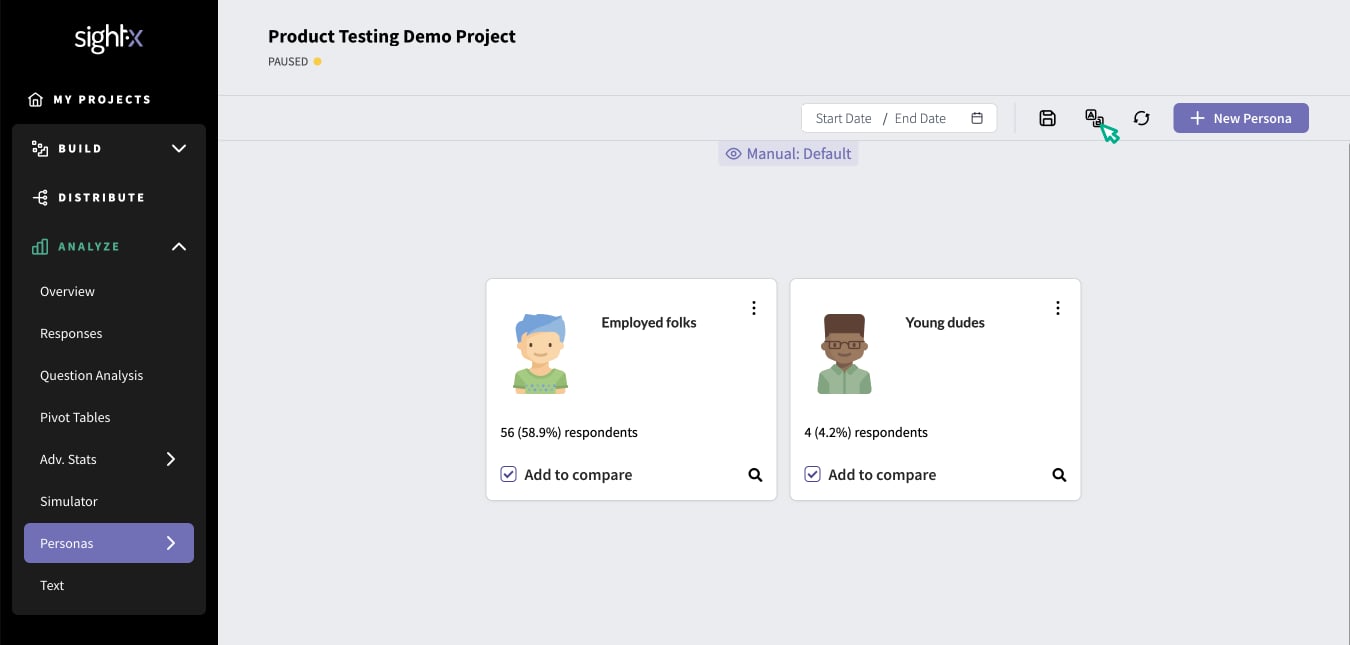
If you already have an idea of the groups of respondents you want to compare data between, you can set them up as Manual Personas. In the Analyze section of SightX, click on the Personas tab in the left navigation pane, and select “Manual”.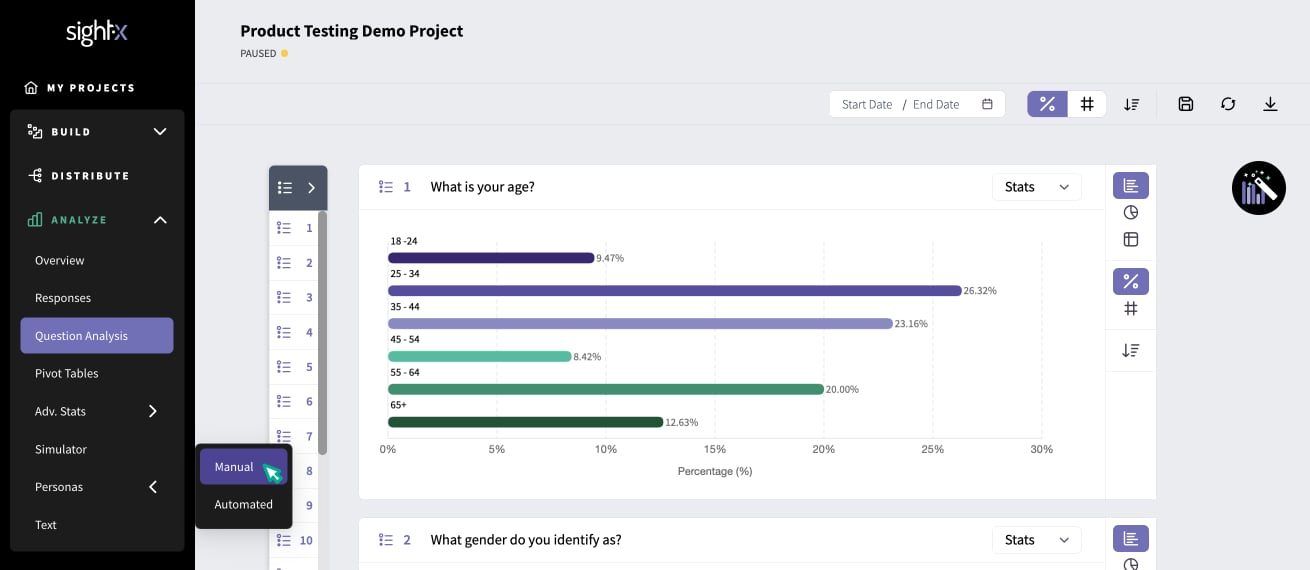
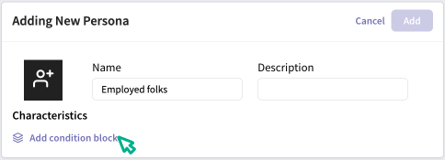
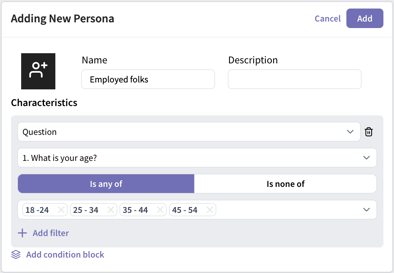
- Question: characterize respondents based on their answers to survey questions
- Concept Test: characterize respondents based on which concept(s) they were exposed to
- Campaign: characterize respondents based on which campaign they came from
- Channel: characterize respondents based on how their response was collected (panel, email invitation, social media link, etc)
Automatically Create Personas
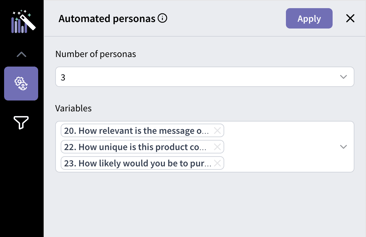
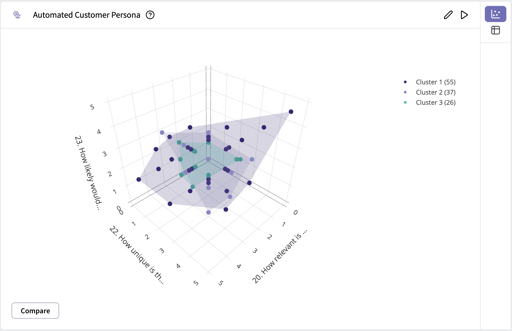
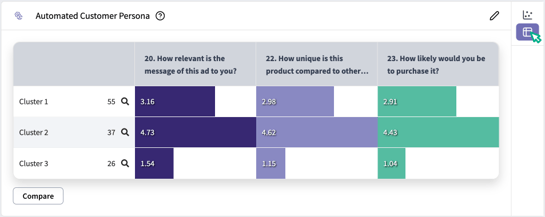
If you don’t have pre-existing personas to inspect, you can use SightX Automated Personas to create clusters based on behavioral or psychographic data collected in your survey. The clustering technique relies on optimized K-Mean Clustering. First, navigate to the Automated Personas module by clicking “Personas” in the left navigation pane, and then selecting “Automated”.