What’s on this page?
- Setting Up an Email/SMS Campaign
- Monitoring an Email/SMS Campaign
Setting Up an Email/SMS Campaign
On the Email/SMS tab of your project, first choose the community you want to distribute to. In the dropdown, you can see the number of contacts in the community that have an email address and that have a phone number.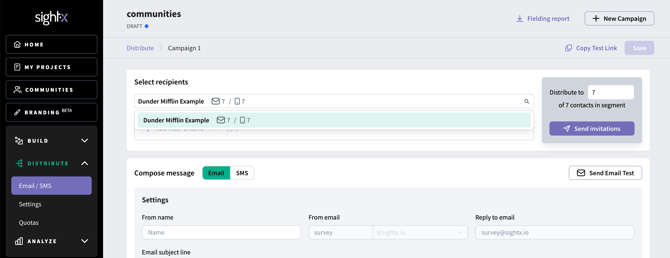

Monitoring an email/SMS campaign
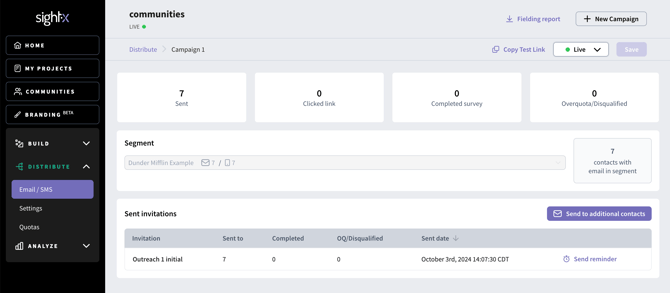
Once your invitations have been sent, you can monitor participation from the email/SMS tab in the campaign.