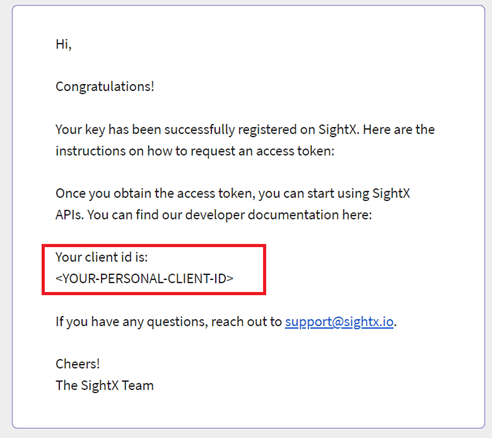
To request an access token you need a client ID and your private key. You should receive your client ID by email after uploading your public key. Example client ID email

Setting the claims

The JWT payload requires four claims (iss, sub, aud, exp) and one optional claim (jti).

Issuer (iss)

Identifies who is making the request. Use your client ID.

Subject (sub)

Identifies who the access token should be assigned to. Use your client ID.

Audience (aud)

Always set this to m2m-token.

Expiration (exp)

Unix timestamp (seconds) for when the JWT expires. Set expiration between 30 and 300 seconds in the future, otherwise the token may be rejected.

JWT ID (jti) — optional

Unique identifier for the token. Use this to differentiate concurrent token requests and avoid duplicate-request lockouts.

Next step

Exchange the signed JWT for an access token on the Request Access Token endpoint.