
Linux
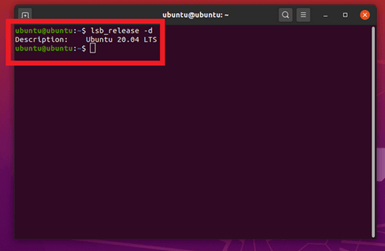
Open a terminal and create a.ssh directory if needed:
id_rsa), then optionally set a passphrase.
Windows (PuTTY)
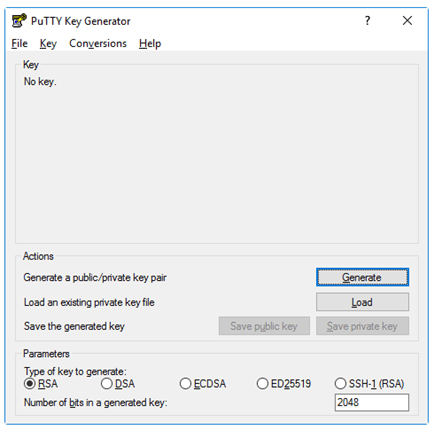
- Download PuTTYgen from the PuTTY download page.
- Open PuTTYgen and click Generate.
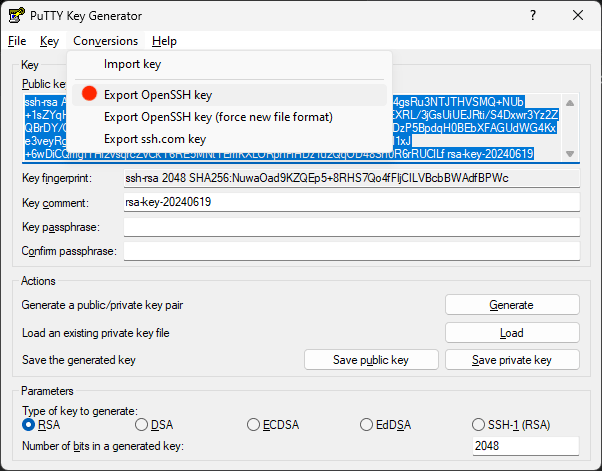
- Save the public key and export the private key in PEM format.

macOS
Open Terminal and run: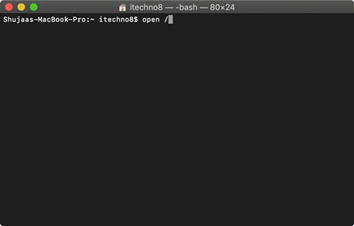
Next steps
- Upload your public key to SightX.
- Receive your client ID by email.
- Configure JWT claims on the JWT Data page.
- Request an access token using the authentication endpoint.